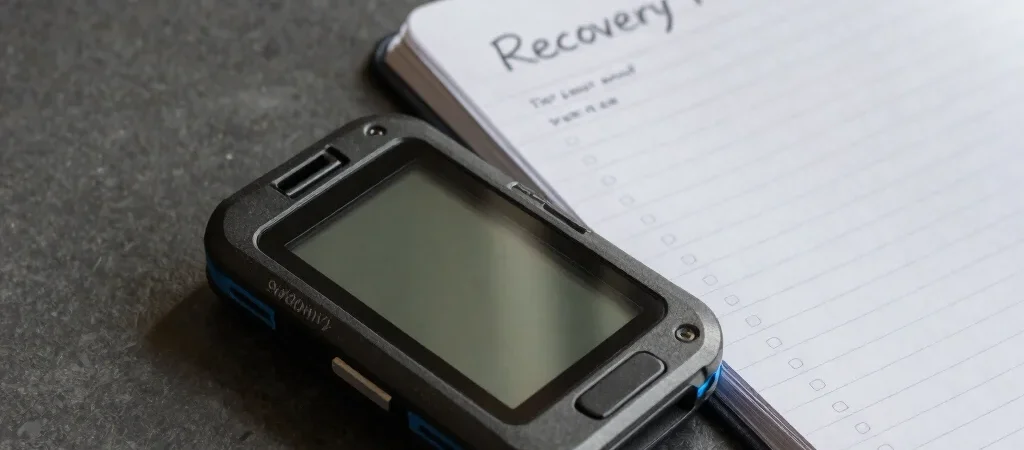
A hardware wallet can make it harder for malware on a computer or phone to access private keys. But it does not make every transaction safe: the device can still be asked to sign something you do not understand or did not intend to approve.
What the Device Actually Does
The wallet keeps the keys used to authorize transactions in a separate device and signs a transaction without simply handing those keys to the connected computer. The computer or phone still helps prepare and display the transaction, which is why checking the device itself is an important part of the process.
A wallet is not the cryptocurrency itself, and it does not reverse a transaction once it has been confirmed. Its job is to help control access to the keys. That boundary is worth understanding before choosing a device or moving funds.
Read Before You Approve
Confirm the recipient and the transaction details on the hardware wallet’s own screen, not only in the browser or app that prepared them. For token approvals and other smart-contract actions, the request may grant permissions rather than simply send an asset, so pause if the purpose is unclear.
A clear screen, legible transaction details, and a setup process you can verify are practical features—not cosmetic extras. Before buying, check how the device connects, what information it displays for the networks you use, and whether its software and recovery instructions are documented by the maker.
Treat Recovery as Part of Security
Most self-custody setups rely on a recovery phrase or another backup method. Anyone who obtains a recovery phrase may be able to control the associated funds, so it should not be photographed, stored in cloud notes, or entered into a website claiming to restore a wallet.
Follow the manufacturer’s official setup guidance, test your recovery process before relying on it, and keep the backup somewhere secure and accessible to you. The device can protect a key from some digital threats; careful approval and backup habits protect against a different set of mistakes.